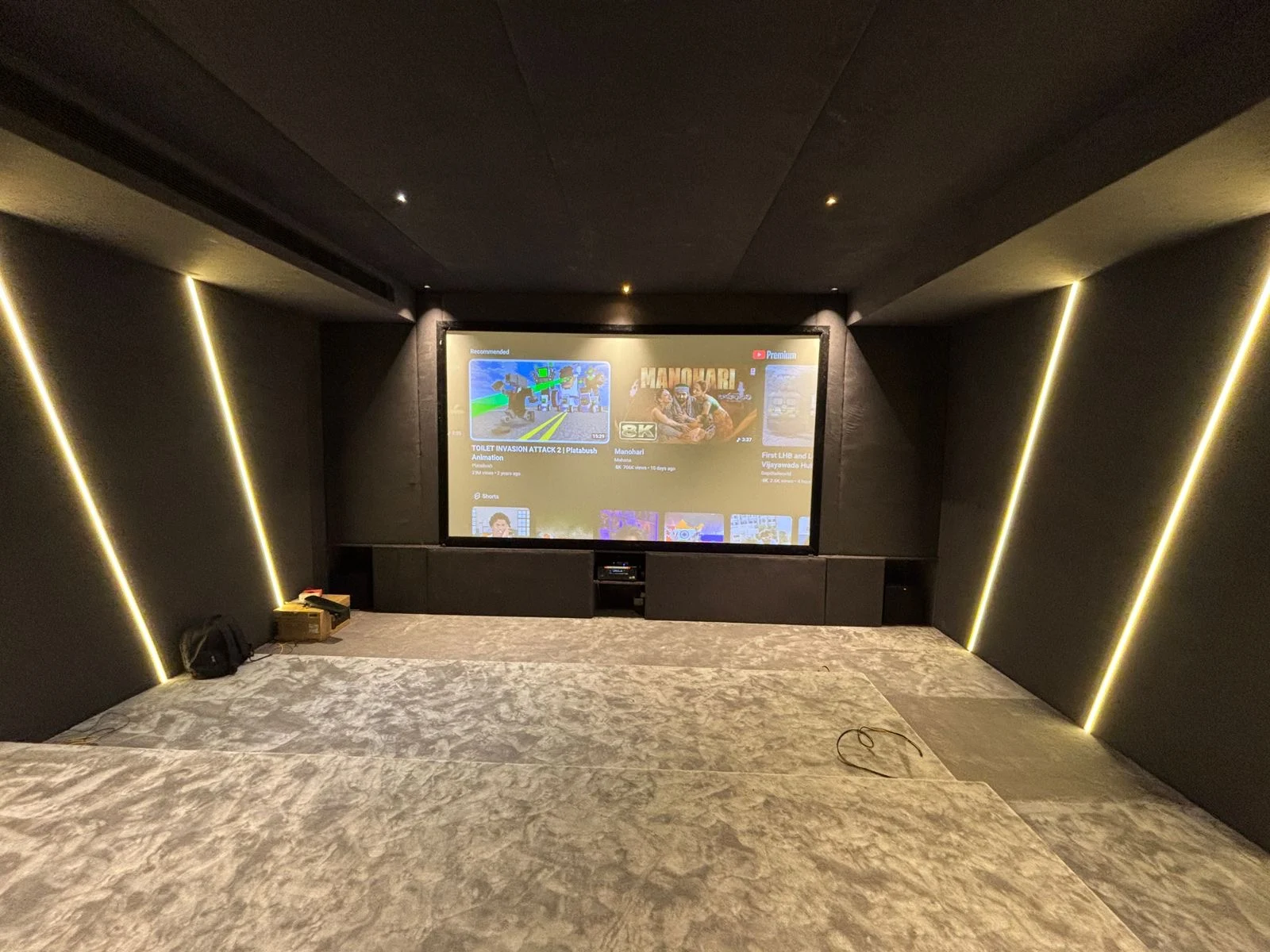
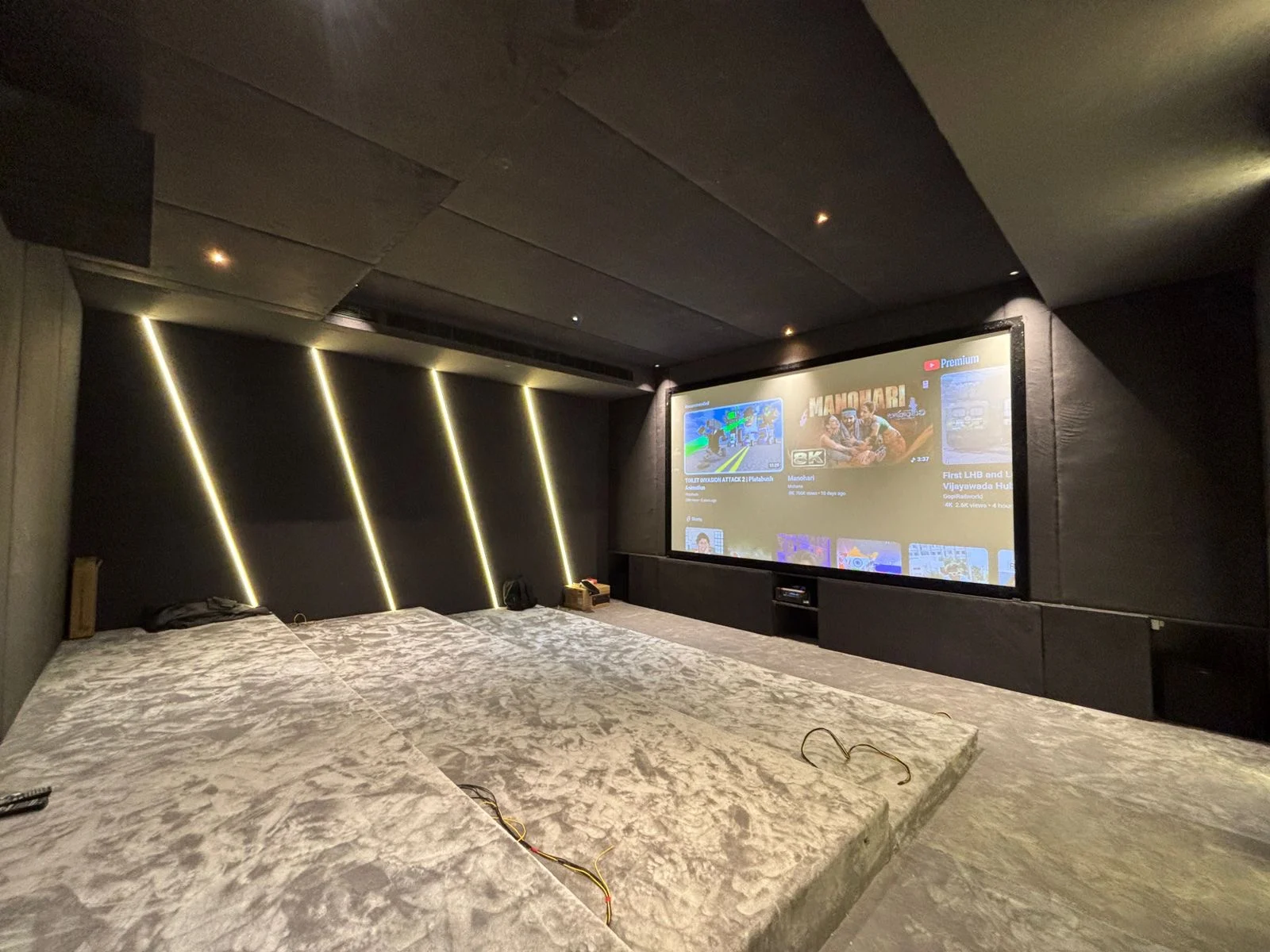
A successful projector installation starts with the finished screen size and lens position. Buying a mount first can leave the image too large, too small or outside the lens-shift range. SLV plans home-cinema projection around the room, viewing position and the exact projector model.
01Before drilling: confirm these five measurements
Measure the visible screen width, the lens-to-screen distance, the finished ceiling height, the intended eye position and the route back to the AV equipment. A false ceiling alone is not proof of a load-bearing fixing point.
Check the manufacturer’s throw range, lens shift, offset, orientation, ventilation clearances and mount compatibility. Electrical work and structural fixing need the appropriate qualified trades.
02Mounting, positioning and cable routing
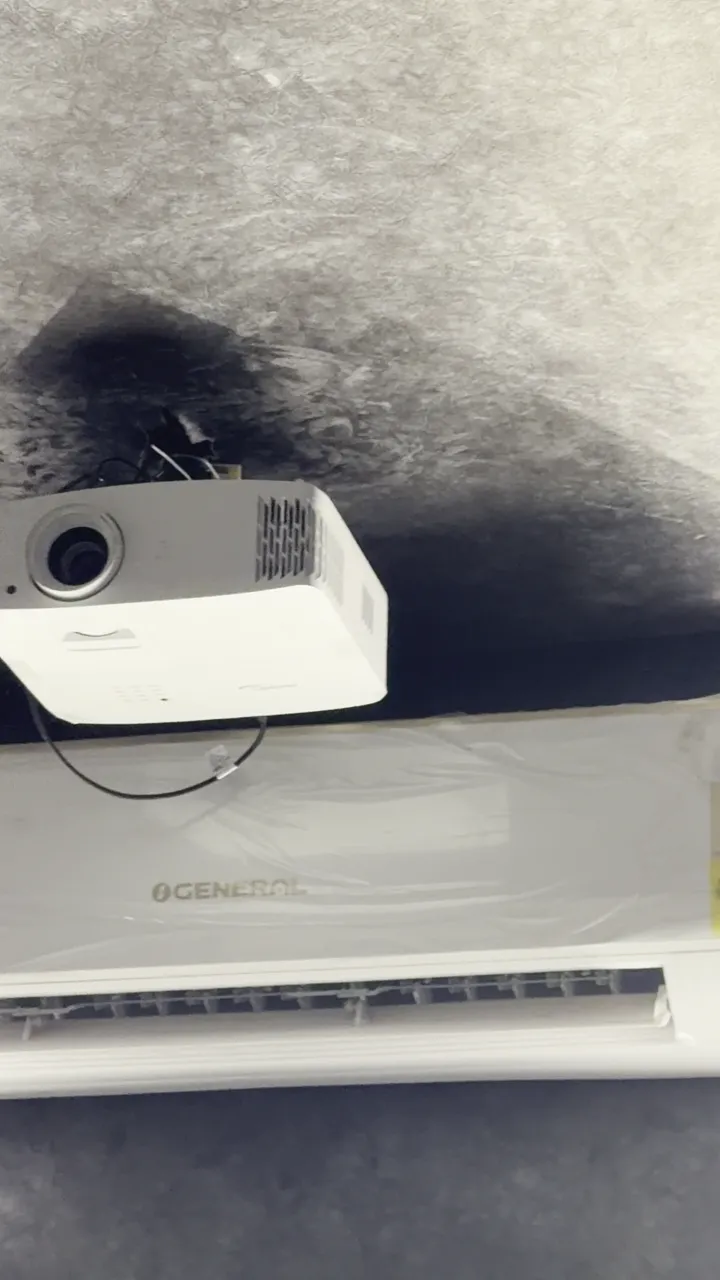
Mark the lens centreline against the screen. Confirm the mounting substrate, bracket capacity and service access before fixing. Keep air inlets and exhaust paths clear.
Plan power and signal routes separately with the electrician. Choose HDMI or active/fibre cabling for the actual length and signal format; test the full source–AVR–projector chain before closing conduit. Provide a draw wire and an accessible replacement route.
03Alignment and handover checks
Set physical alignment, optical zoom, focus and available lens shift first. Digital keystone can resample the image and is a compromise when physical alignment is possible. Check all four corners with a test pattern.
Confirm source resolution, refresh rate, HDR settings, aspect ratio and lip sync. Set picture modes for the room’s lighting. Instrument-based colour calibration is a separate scope unless explicitly included in the quote. Ask for a walkthrough of inputs, shutdown, cleaning and warranty support.